Silent Corruption: How Impedance Mismatches Are Secretly Wrecking Your Signals
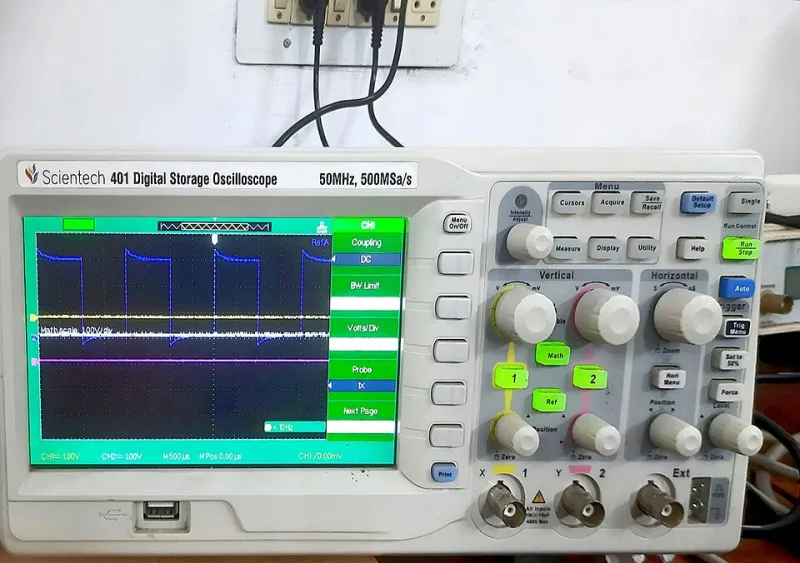
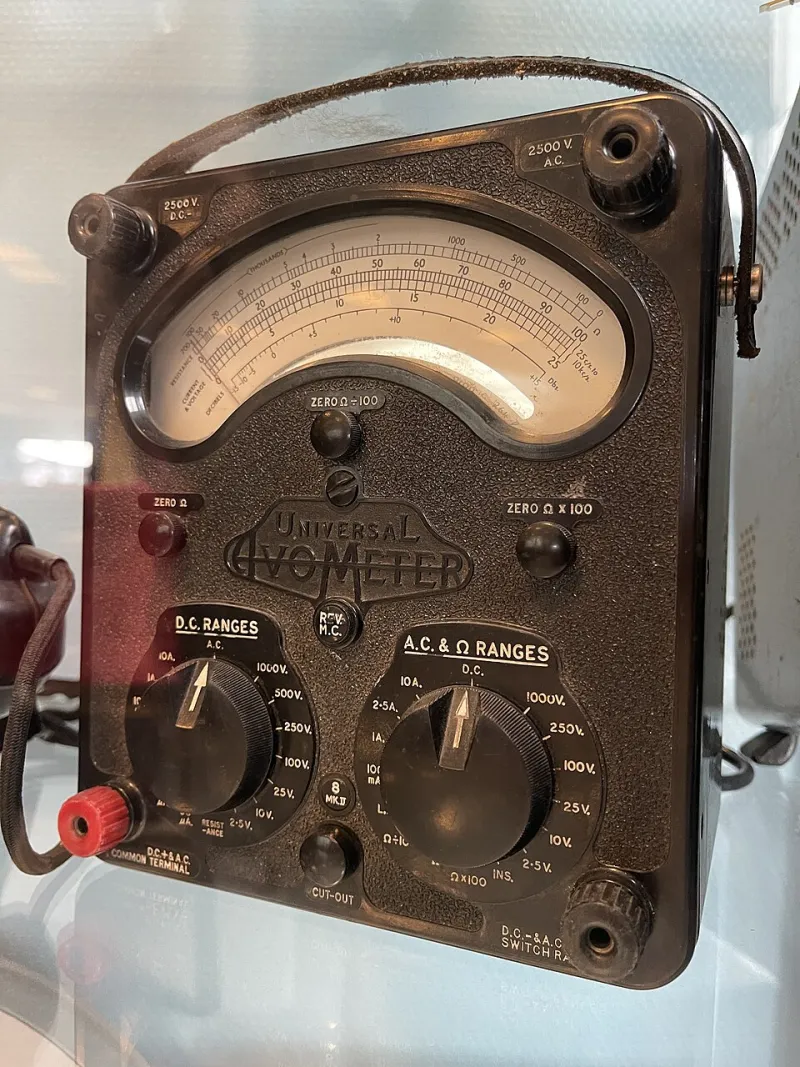
Photo: Mikasa2025, CC BY 4.0, via Wikimedia Commons
You've been staring at the same bug for three days. The microcontroller resets randomly. The SPI peripheral throws garbage data every few hundred transactions. Your high-speed serial link works fine on the bench but falls apart the moment you stuff it into an enclosure. You've checked your code twice. You've swapped the IC. You've even replaced the crystal.
Here's the uncomfortable truth: the problem might not be in your firmware at all. It might be hiding in the physical geometry of your PCB traces — and it's been there since the moment your boards came back from the fab.
Welcome to the impedance matching rabbit hole. Pull up a chair.
What Impedance Actually Means for Your Traces
Most makers learn about impedance in the context of audio equipment or RF circuits — speaker loads, antenna matching, that kind of thing. But impedance is just as critical at the digital signal level, especially once your clock speeds start climbing past a few tens of megahertz.
Every PCB trace has a characteristic impedance determined by its width, the thickness of the copper, the height of the dielectric (the FR4 between your trace and the ground plane), and the dielectric constant of that material. When a signal travels down a trace and hits a point where the impedance changes — a via, a connector, a pad, or a trace that suddenly gets wider — some of that signal reflects back toward the source.
Those reflections are the enemy. They pile onto your original signal, creating ringing, overshoot, and undershoot. At low speeds, your logic gates are slow enough to ignore the mess. But push your signals faster, and those reflections start looking like valid logic transitions. Your receiver sees a glitch. Your data gets corrupted. And you have absolutely no idea why.
The Frequency Threshold You're Probably Ignoring
A common misconception is that impedance control only matters for RF or genuinely high-speed designs — think multi-gigabit SerDes links or DDR memory. That's not true anymore.
A 10 MHz SPI clock has a fundamental frequency of 10 MHz, sure. But the rise time of a modern logic gate can be under a nanosecond, which means the signal's frequency content extends well into the hundreds of megahertz range. The rule of thumb most signal integrity engineers use: if your trace length in inches is longer than the rise time of your driver in nanoseconds divided by two, you've got a transmission line problem on your hands.
Run that math on a 3.3V GPIO toggling at a few nanoseconds across a 4-inch trace on your custom board. Yeah. It applies to more of your builds than you think.
Grabbing a Scope and Actually Looking at the Problem
The good news is you don't need a $50,000 vector network analyzer to catch basic signal integrity issues. A halfway-decent oscilloscope — something like a Rigol DS1054Z or a Siglent SDS1104X-E, both of which you can grab for under $400 — will show you exactly what's happening on your traces if you know what to look for.
Put your probe directly on the receiving end of a fast signal line and look at the waveform carefully. Clean digital signals should have sharp, clean edges with minimal ringing. What you're hunting for:
- Overshoot and undershoot: The signal swings above the supply rail or below ground, then bounces back. Classic reflection signature.
- Ringing on the edges: The signal oscillates for several cycles after each transition before settling. The frequency of that ringing tells you something about the electrical length of your trace.
- Eye diagram collapse: If you have a pattern generator or can set up a pseudo-random bit stream, look at the eye diagram. A mushy, closed eye means your signal integrity is already compromised.
A logic analyzer won't show you this — it just tells you whether a signal is high or low. You need the analog view that only a real oscilloscope provides.
The Layout Mistakes That Create These Problems
Once you know what you're looking for, the PCB layout errors that cause it become pretty obvious in hindsight. Here are the most common offenders in DIY and maker-grade designs:
Inconsistent trace widths. You route a 50-ohm controlled-impedance trace at the correct width, then it narrows to squeeze through a tight spot between two pads, then widens back out. Every one of those transitions is an impedance discontinuity. Keep critical signal traces at a consistent width end to end.
Vias on high-speed signal paths. Every via adds inductance and capacitance to your signal path. On a two-layer board with no ground pour, a via on a fast signal line can be genuinely disruptive. If you must use vias, place a ground via immediately adjacent to each signal via to minimize the stub effect.
Missing or broken ground planes. This is the big one for maker PCBs. If you're routing a high-speed signal over a gap in your ground plane — say, across a slot where a connector is routed, or over a cutout — your trace impedance goes haywire and you're creating an antenna in the process. Keep your ground plane continuous and solid under every fast signal trace.
Unterminated lines. Source termination (a small series resistor, typically 22–47 ohms, placed right at the driver output) damps reflections before they cause trouble. Most makers skip termination entirely because it seems optional. It isn't, past a certain frequency.
Catching Problems Before You Send to the Fab
The cheapest place to fix signal integrity problems is before you order boards. A few habits that pay off:
Use a PCB impedance calculator — Altium has a free web-based one, and Saturn PCB Design's toolkit is a classic free download that every maker should have installed. Plug in your stackup parameters and confirm your trace widths before you finalize your design.
If you're using KiCad or EasyEDA, take advantage of the DRC and net inspector tools to flag traces that deviate significantly from your target width. It won't catch everything, but it'll catch the obvious ones.
For your most critical signals, consider specifying controlled impedance to your fab house. PCBWay, JLCPCB, and OSH Park all offer controlled impedance options. It costs a bit more, but for anything running above 50 MHz or so, it's worth it.
It's Not Magic, It's Physics
Signal integrity has a reputation for being dark arts territory — something only hardcore hardware engineers at big companies worry about. That reputation is mostly undeserved. The fundamentals are learnable, the measurement tools are affordable, and the layout fixes are straightforward once you understand what you're solving.
The tricky part is that impedance problems don't announce themselves. They hide in intermittent failures, in mysterious resets, in data corruption that only happens under specific conditions. They make you doubt your code, your components, and your sanity before you ever think to look at the shape of your signal on a scope.
Next time something in your build is behaving inexplicably, grab your oscilloscope before you open your IDE. The answer might be right there in the waveform, waiting for you to look.