Bandwidth, Latency, and Nostalgia: How to Actually Pick RAM for Your Next Build
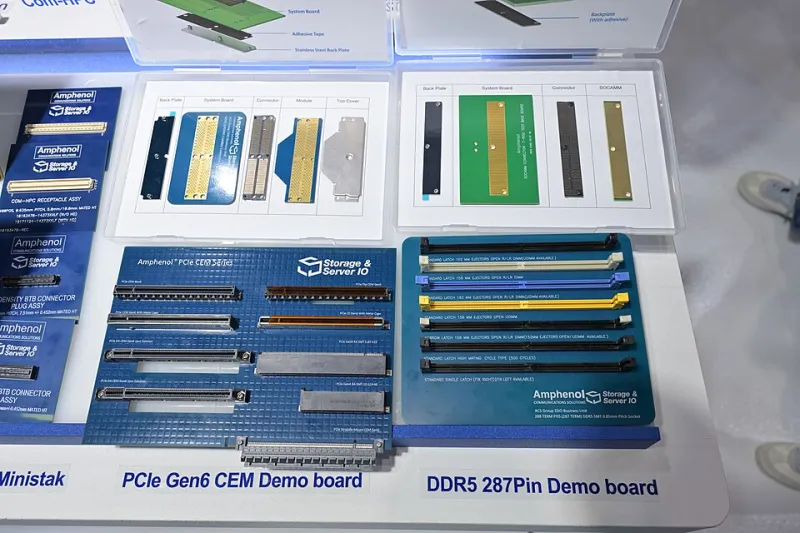
Photo: 4300streetcar, CC BY 4.0, via Wikimedia Commons
Every few years, the memory industry drops a new standard, slaps bigger numbers on the box, and marketers start throwing around terms like "revolutionary" and "game-changing." DDR5 is no exception. But if you've been around the workbench long enough, you've probably noticed that the fastest RAM on the shelf doesn't always mean the fastest system in practice. And sometimes — especially if you're deep in the maker hobby — older memory is not just acceptable, it's the right call.
Let's actually dig into this, because the RAM conversation deserves more than a spec sheet.
What the "Memory Wall" Really Means
The term "memory wall" has been floating around computer architecture circles since the mid-90s. The basic idea: processors got faster at a pace that memory bandwidth and latency simply couldn't keep up with. Your CPU can crunch numbers far quicker than it can pull data from RAM, which means it spends a meaningful chunk of its time just... waiting.
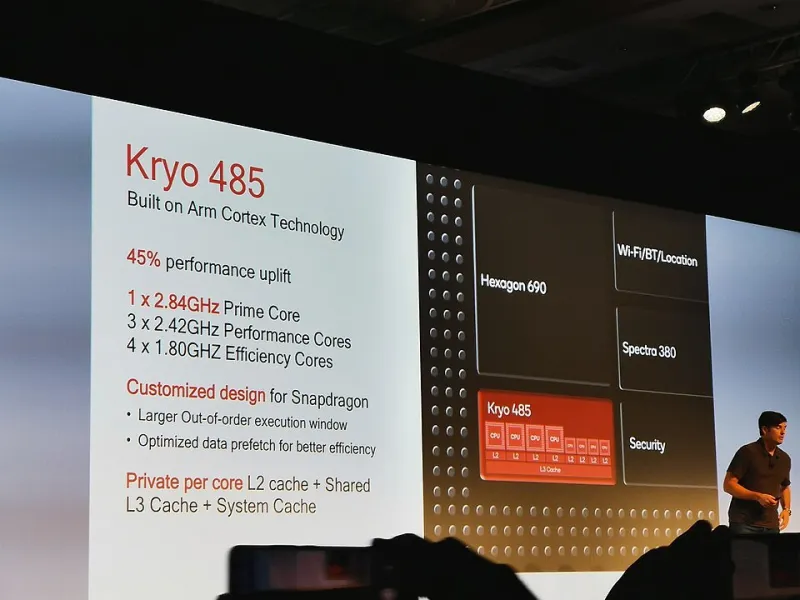
Modern solutions like cache hierarchies (L1, L2, L3) exist specifically to paper over this gap. But the wall hasn't disappeared — it's just been pushed back. With workloads like machine learning inference, large-scale data processing, or even some modern game engines that stream assets aggressively, memory bandwidth is still a genuine bottleneck, not a theoretical one.
DDR5 addresses this with dramatically higher per-channel bandwidth compared to DDR4, along with on-die ECC and improved burst behavior. On paper, that's compelling. In practice, the gains depend entirely on what you're running.
DDR5 Is Great — For Specific Things
If you're building a workstation for local AI inference, DDR5 is worth the premium. Models like Llama variants or Whisper for transcription are memory-bandwidth-hungry in a way that older gaming workloads simply aren't. When you're running inference on the CPU (because not everyone has a beefy GPU sitting around), the speed at which data moves between RAM and processor cores becomes a real performance lever.
Same story for video encoding, simulation software, and anything that regularly touches large datasets. The Intel Core Ultra and AMD Ryzen 7000 series platforms — both DDR5-native — show meaningful real-world improvements in these tasks compared to equivalent DDR4 setups, not just synthetic benchmarks.
But here's where it gets interesting for the gaming crowd specifically: most games don't care nearly as much as you'd think. Gaming workloads tend to be more latency-sensitive than bandwidth-hungry. A DDR4-3600 kit with tight timings will frequently trade blows with — or outright beat — a DDR5-4800 kit in frame time consistency. The latency characteristics of early DDR5 were notably worse than mature DDR4, and while that gap has closed considerably with DDR5-6000+ tuned kits, budget DDR5 can still feel sluggish in games compared to well-tuned DDR4.
Why Some Makers Deliberately Reach for Old RAM
Here's something the tech press rarely acknowledges: vintage and legacy memory modules have a thriving second life in maker projects, and not just because they're cheap.
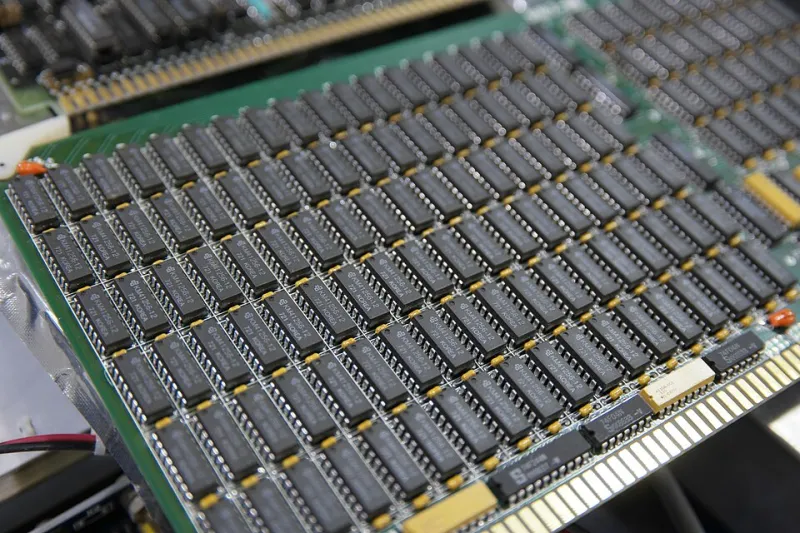
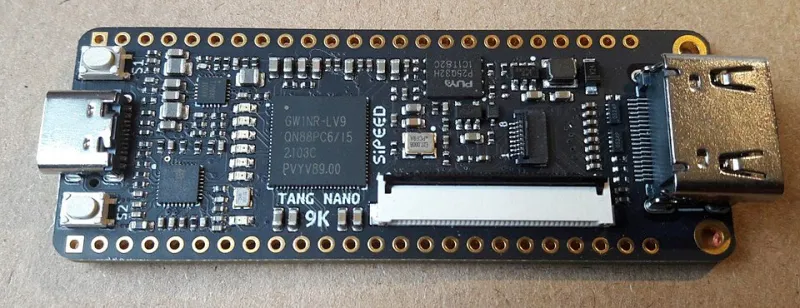
SDRAM and DDR1/DDR2 modules are still actively used in embedded projects, FPGA development boards, and single-board computer designs where the memory controller is part of a custom or legacy chipset. If you're building around an older FPGA dev kit or working with a microcontroller that exposes a parallel memory bus, modern DDR5 is simply incompatible — electrically and logically.
Retro computing enthusiasts restoring classic machines obviously need period-correct memory, but even forward-looking tinkerers sometimes choose older RAM for reasons of simplicity. Lower voltage requirements, less complex initialization sequences, and mature documentation make DDR2 and DDR3 genuinely easier to work with in custom hardware designs. The Raspberry Pi line still uses LPDDR variants (not the latest consumer desktop standard) for exactly these kinds of power and interface reasons.
There's also the question of cost. For a home lab machine running a lightweight Linux server, a NAS, or a retro emulation box, a handful of DDR3 sticks pulled from an old workstation does the job perfectly. Spending money on DDR5 for a Plex server or a Pi-hole host would be like putting racing tires on a lawnmower.
Reading RAM Specs Without Getting Played
Let's demystify the numbers a bit, because the marketing around memory modules is genuinely confusing.
Speed vs. Latency: DDR5-6000 sounds faster than DDR4-3200, and in terms of raw bandwidth it is. But "CL" timings (CAS latency) tell you how many clock cycles it takes to respond to a read request. Higher-speed memory often comes with higher CL numbers. The actual real-world latency in nanoseconds is what matters, and you calculate it roughly as: (CL / frequency) × 2 × 1000. A DDR4-3200 CL16 kit has about the same absolute latency as a DDR5-4800 CL40 kit. Keep that in mind.
Single vs. Dual Channel: Running two matched sticks in dual-channel mode nearly doubles your available memory bandwidth. This is often more impactful than upgrading to a faster generation, especially on integrated graphics platforms where the GPU and CPU share the same memory pool.
Capacity vs. Speed: For most desktop workloads, 32GB of DDR4 will outperform 16GB of DDR5 in practice, simply because running out of RAM and hitting the pagefile is catastrophic for performance. Prioritize capacity before chasing speed.
Building Smarter, Not Just Faster
The maker community has always been good at working with constraints, and RAM selection is a perfect example of where that mindset pays off. Before you drop $200 on a flashy DDR5 kit because a reviewer said it was the best, ask yourself what your actual workload looks like.
Running AI inference locally? DDR5, high capacity, go for it. Gaming on a mid-range build? Tight-timed DDR4 or DDR5-6000 with tuned subtimings will serve you better than spec-sheet speed alone. Working on an FPGA project or restoring an old system? Old RAM isn't a compromise — it's the right component for the job.
Memory is one of those parts where the spec sheet can actively mislead you if you don't know what questions to ask. Now you do.