Your Lab Is Bleeding Money While You Sleep: The Real Cost of Standby Power in Your Workshop

Photo by Photo by Fernando Castillo on Unsplash on Unsplash
Here's a scenario that probably sounds familiar: you wrap up a late-night session, flip off the overhead light, and head to bed. The bench looks tidy. Project's paused. You feel good about it.
But behind you, quietly humming in the dark, a handful of devices are still pulling current. Your soldering station in standby. The USB hub powering nothing. The Raspberry Pi sitting idle on a prototype board. The bench supply with its display glowing faintly orange. None of them are doing anything — but all of them are costing you money.
This is the parasitic drain problem, and for makers who run even a modest home lab, it adds up faster than most people expect.
What "Standby" Actually Means (and Doesn't Mean)
The word "standby" gets thrown around loosely. For consumer electronics, it usually refers to a low-power sleep state where the device is waiting for a signal to wake up — a remote control press, a network packet, a button tap. But in a maker workshop, "standby" often just means "plugged in but not actively being used," which is a very different thing.
A lot of bench equipment doesn't have a true low-power idle state. It has an on/off switch that cuts the load, but the transformer or switching supply upstream of that switch is still energized. Iron the distinction out in your head: the switch on your soldering station controls the heating element, not necessarily the power brick feeding it.
We pulled out a kill-a-watt meter and spent an afternoon measuring standby consumption across a fairly typical hobbyist bench setup. The numbers:
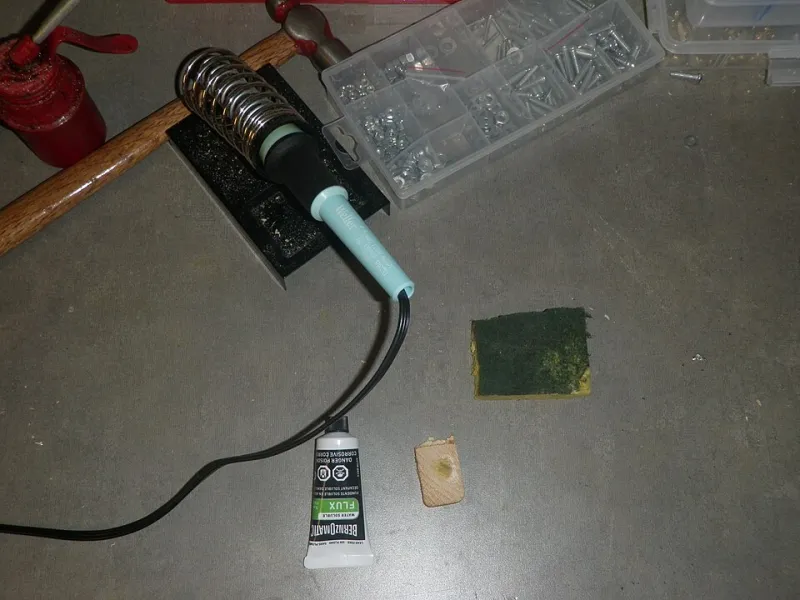
- Digital soldering station (mid-range, iron in holder): 4–7W depending on brand and whether the sleep timer had kicked in
- Bench power supply (30V/5A switching unit, output off): 3–5W
- USB charging hub (8-port, nothing plugged in): 2–3W
- Raspberry Pi 4 running a headless IoT prototype: 2.5–3W (this one's active, not idle — but it's "idle" from a project standpoint)
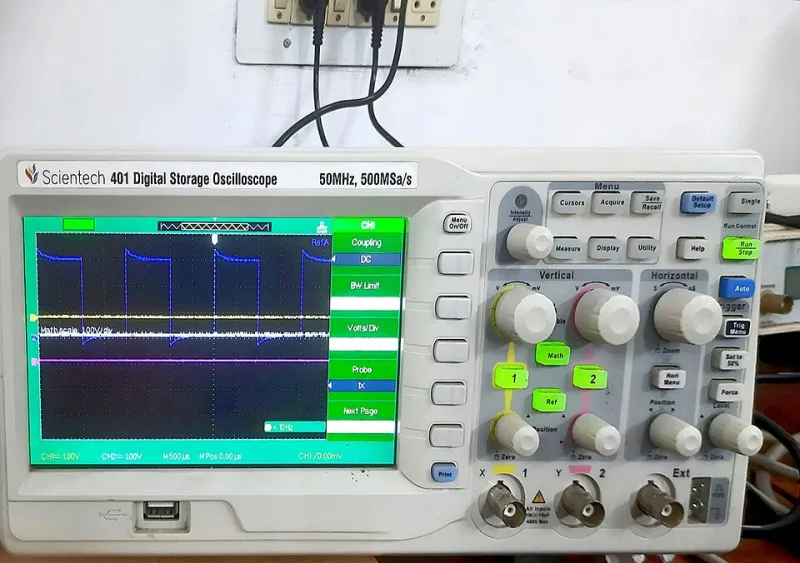
- Oscilloscope (100MHz entry-level, screen off): 8–12W
- 3D printer (standby, display on): 6–10W
- LED grow light controller (timer-based, lights off): 1–2W
- Wireless router dedicated to lab network: 4–6W
Add those up conservatively and you're looking at somewhere around 30–40 watts of continuous draw from a workshop that isn't actively producing anything. Run that 24/7 for a year at the US average residential rate of around $0.16 per kWh, and you're spending $42–$56 annually on electricity for gear that's just sitting there.
That might not sound catastrophic. But that's a conservative estimate for a modest setup. Scale up to a more serious lab with a reflow oven, a logic analyzer, a desktop workstation left in sleep mode, a few always-on IoT nodes, and a NAS for storing project files — and you can realistically push that number past $150–$200 per year without trying.
The IoT Prototype Problem Is Worse Than You Think
One category deserves special attention: development boards running perpetual prototype firmware. If you've ever built a sensor node, a home automation gadget, or a data logger and just... left it running on the bench because it was easier than shutting it down, you've contributed to this problem in a meaningful way.
ESP32 and ESP8266 boards in active WiFi mode pull 80–300mA at 3.3V. That's 0.26–1W continuous per node. Doesn't sound like much until you realize that a lot of makers have four, five, maybe ten of these scattered across various stages of development. And unlike your oscilloscope, these boards are often powered through USB ports on a hub or a wall adapter that's also drawing standby current.
The fix here isn't complicated — it's just underused. Deep sleep modes on ESP32 can cut consumption to under 10µA. Wake-on-interrupt or scheduled RTC wakeups let the board do its job without idling at full power between readings. If your prototype is just logging temperature every five minutes, there is absolutely no reason it needs to be fully awake the other 299 seconds.
Circuit-Level Fixes: Power Gating and Soft Switches
For custom builds, you have more control than you might realize. Two strategies worth adding to your design toolkit:
Load switching with P-channel MOSFETs or dedicated load switch ICs lets a low-power microcontroller cut power to a higher-draw peripheral entirely when it's not needed. A sensor module that only needs to be active for 50ms every minute? Gate its power rail. The MCU draws microamps in sleep; the sensor draws nothing. This is standard practice in commercial IoT hardware and embarrassingly rare in hobbyist builds.
Soft-power circuits — where a brief button press triggers a latching MOSFET or a dedicated power management IC to bring up the main rail — give you clean power control without relying on a physical switch in series with the load. They're a bit more complex to design, but they also let firmware decide when to shut down, which means you can implement auto-sleep timeouts without user intervention.
For bench equipment you don't control at the circuit level, the lower-tech solution is a smart power strip with individual outlet switching. Products like the Kasa EP40A or similar WiFi-enabled strips let you cut power to entire bench zones on a schedule or with a voice command. It's not elegant, but it works, and it costs less than a month of wasted electricity to implement.
Building Better Habits Without Losing Your Mind
The goal here isn't to turn your workshop into an anxiety-inducing checklist of things to unplug every night. That's not sustainable, and it's not fun. The goal is to identify the chronic offenders — the things that draw meaningful power continuously and provide zero value while doing it — and deal with those specifically.
A few practical moves that don't require redesigning your entire lab:
- Put your bench supply, soldering station, and oscilloscope on a single switched power strip. One flip at the end of the session cuts them all.
- Set sleep timers on any soldering station that supports it. Most mid-range units do; most makers never configure this feature.
- Audit your always-on Pi or Arduino projects. If it's not actively serving a function, either implement deep sleep or pull the plug.
- Consider a whole-lab energy monitor like a Sense or a simpler whole-circuit clamp meter to get a real baseline. You can't fix what you haven't measured.
Parasitic drain is one of those problems that's easy to dismiss because no single device is obviously the culprit. It's death by a thousand milliamps. But the math is real, the fix is usually straightforward, and the skills involved — power gating, sleep modes, load switching — are exactly the kind of thing that makes your actual project designs better anyway.
Might as well start with your own workshop.